

Shared events
One event, every vendor
A Lagos wedding brings many businesses together. Share the event, and each of you sees how the others are getting on, without a single phone call.
Shared events
Every guest, every vendor, on one screen
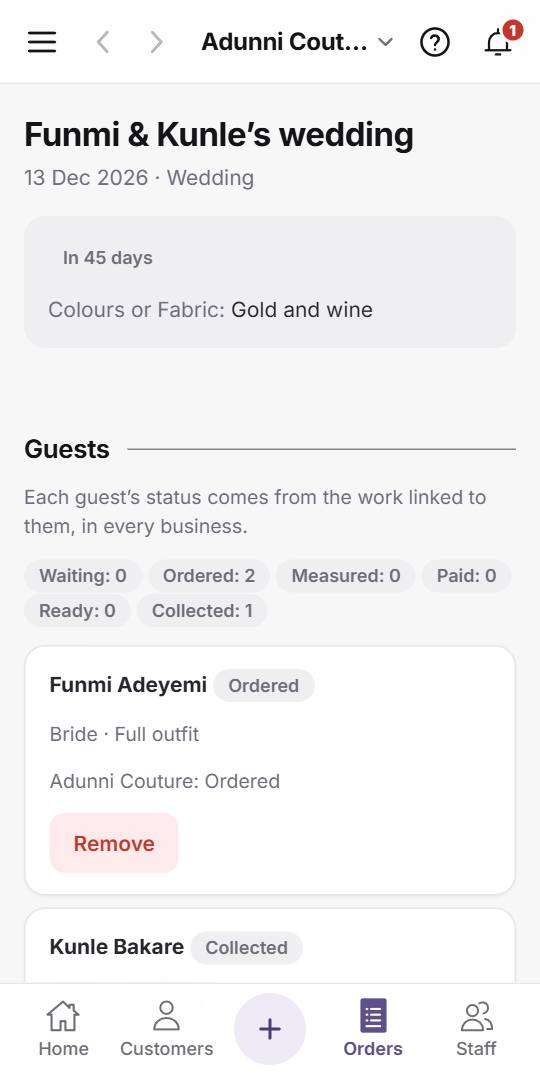
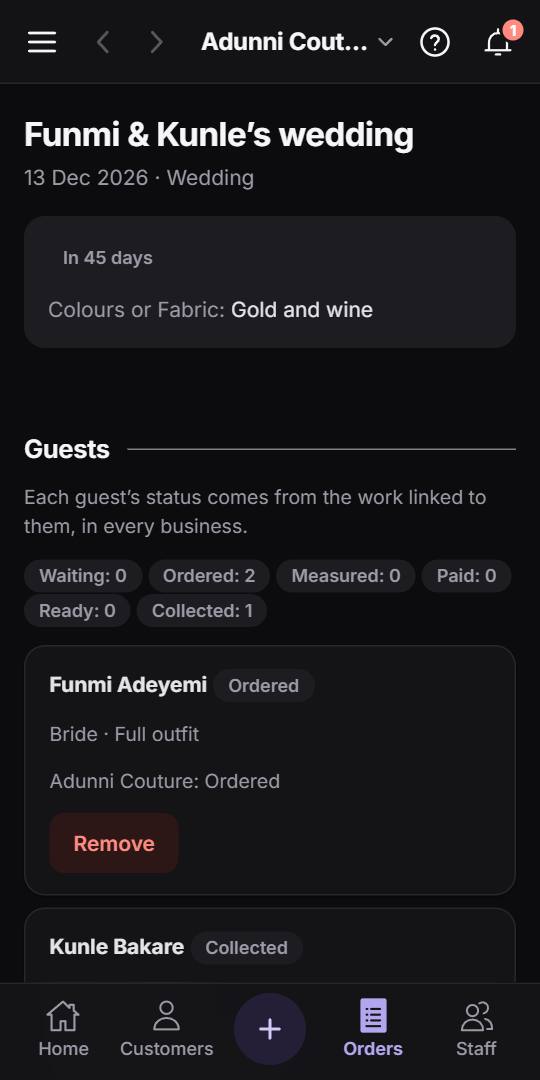
The event shows each guest’s progress, from ordered to ready to collected, and which business is making for them, with each business’s due dates.
Shared events
How a shared event works
One business hosts
The host gives the event its name, date and colours, and lists the guests, such as the bride’s family, each with their package. Then they send the invite link on WhatsApp.
The others join from the link
A business on OrdaBook opens the link and joins in one tap; a new one signs up free first. Each adds its own orders to the event and says which guest each item is for.
What everyone sees
The event’s details, the businesses in it and each one’s due dates. If the host shares the guest list, each guest’s name, group and package, and how far their order has got.
What stays private
Prices, payments, measurements and photos stay with the business they belong to. Nobody sees another business’s customers or phone numbers: a guest shows only as ordered, measured, paid, ready or collected.
Pass a customer on, with their agreement
A guest needs a cake or a gele? Send their name and number to another business in the event, only once they’ve agreed. It arrives in that business’s requests with your name on it.
Closed when it’s over
Once the day has passed, or the host closes the event, it turns read-only for everyone in it, and stays there to look back on.
Pricing
Which plans host
Every plan joins events, Solo included. Team hosts 1 open event at a time, and Studio hosts as many as you like.
See the PlansGroup orders
Your own customers, ordering together?
That’s a group order: one link in the group chat for aso-ebi, where everyone picks their outfit and sends their measurements.
How Group Orders Work